Why Your Air Purifier's Auto Mode Is Stuck (and How to Clean the Dust Sensor in 1 Minute)
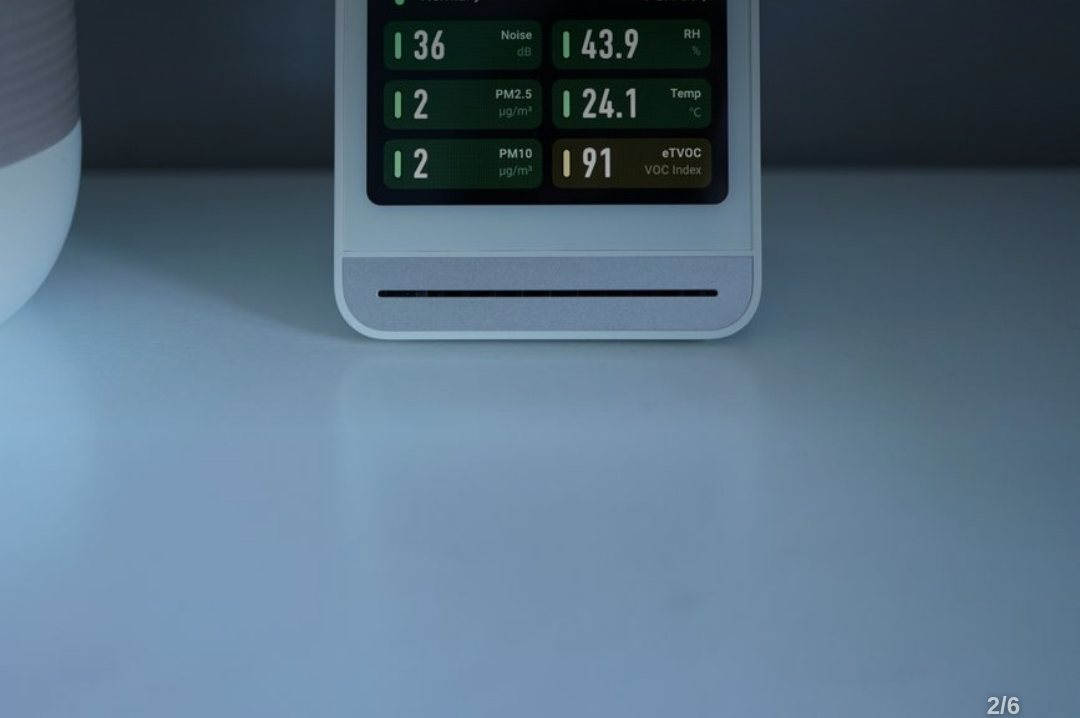
How Air Purifier Dust Sensors Work (and Why They Fail)
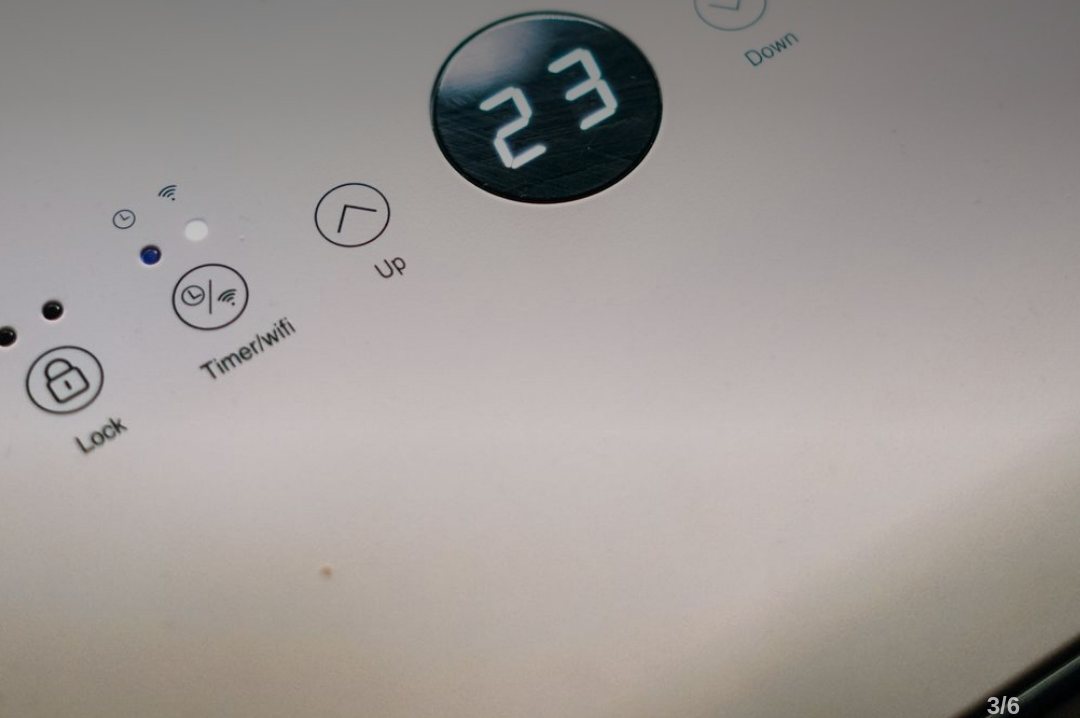
An air purifier's auto mode relies on an internal particulate matter (PM) sensor to monitor room air in real time and adjust fan speed. Most home units use optical dust sensors. These work by aiming an LED or laser light at incoming air and measuring how much light scatters off dust particles using an internal photodetector.
When dust or grime coats the sensor lens, it blocks this light receiver. The purifier misreads the air as completely clean, leaving the fan running at its lowest, quietest setting even when a room is filled with dust. Guidelines from environmental agencies note that uncleaned dust sensors can cause measurement errors exceeding 30%, severely dropping your purifier's overall efficiency.
How to Clean Your Air Purifier Sensor Step-by-Step

If you shake out a dusty blanket or start cooking and your air purifier's indicator light doesn't change color or display higher numbers, your sensor is likely dirty. Plan to clean the sensor at least once every 2 months, or monthly if you have pets or poor room ventilation.
To clean it, you need two cotton swabs and a single drop of clean or distilled water. First, unplug the unit for safety. Locate the small hatch on the back or side of the machine—it is usually marked with 'PM 2.5', 'PM 10', or 'SENSOR'.
Open the cover to expose the tiny glass lens inside. Lightly moisten one end of a cotton swab with water and gently wipe the lens surface. Immediately take a dry swab and wipe away all remaining moisture to prevent streaks or water spots from causing sensor errors.
Infrared vs. Laser Sensors (and the Humidifier Mist Trap)

Air purifier sensors generally fall into two categories: infrared (IR) and laser sensors. Infrared sensors focus on larger household dust particles (PM 10 and above) and feature a sturdy, simple structure. Laser sensors, common in higher-end models, can measure fine and ultrafine particles (PM 1.0 to PM 2.5) with delicate optical components.
Laser sensors are sensitive to moisture. Running an ultrasonic humidifier right next to a laser-equipped air purifier will cause the sensor to register fine water droplets as extreme dust pollution, forcing the fan to run on high speed all day.
Keep your air purifier at least 1 to 2 meters (3 to 6 feet) away from any ultrasonic humidifier. If moisture fogs the sensor lens, blow lightly into the hatch to air-dry it or gently wipe it with a dry cotton swab.
3 Daily Habits to Protect Your Air Purifier Sensor
Simple maintenance habits can slow down dust accumulation inside the sensor. First, keep a clear space of at least 50 cm (20 inches) around your air purifier. Blocking airflow around the unit traps dust near the sensor hatch, causing inaccurate, constantly high readings.
Second, vacuum the outer vent grille around the sensor hatch whenever you clean or replace your main air filters. Removing loose outer dust prevents it from traveling deeper into the lens chamber.
Finally, avoid spraying hairspray, aerosol insecticides, or air fresheners near the unit. Chemical liquid droplets leave a sticky film on the optical lens that ordinary cotton swabs cannot remove. If misreadings persist after a careful cleaning, the sensor may have reached the end of its service life and require a replacement from the manufacturer.
Common questions
Why is my air purifier displaying high pollution levels even after cleaning the sensor?
Moisture or streaks may still be sitting on the optical lens. Turn off the unit and let the sensor air-dry completely. If the problem continues, the sensor lens may have permanent chemical damage or an internal circuit fault that requires professional service.
Can I use rubbing alcohol or chemical sprays to clean the sensor?
No. High-concentration alcohol and household chemical cleaners can corrode or cloud the plastic coating on delicate optical sensor lenses. Stick strictly to a damp swab using plain water or distilled water.
Is it safe to use canned air to blow dust out of the sensor hole?
Do not use compressed canned air. High air pressure can shift the delicate internal optical alignment out of place or force dust particles deeper into the sensor housing. Stick to light vacuuming around the outer vent grilles.