How to Create Instagram Carousels and Reels in Five Minutes Using AI

Step 1: Let AI Pick a Trending Topic

Starting an SNS channel often stalls at the first hurdle: figuring out what to post. Inside the tool, you select a category like 'Dating & Relationships' and click to generate ideas. The AI suggests trending topics tailored to audience interest, such as 'Five ways to tell healthy feedback apart from gaslighting.'
Once you pick a topic you like, click the confirmation button. The system immediately starts analyzing the concept and drafting the underlying outline and talking points.
Step 2: Review and Approve the Copy
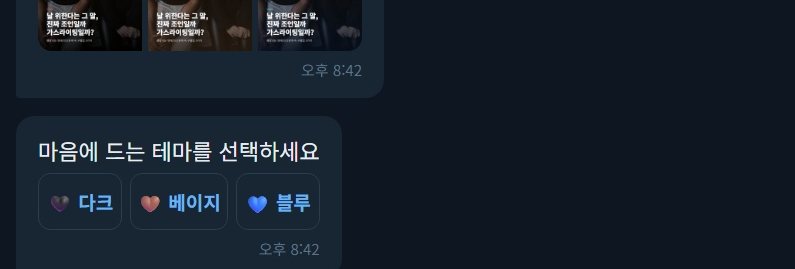
Before moving forward, review the text draft generated by the tool. The screen displays a hook for the cover slide alongside five clear bullet points breaking down the core message.
You can manually edit any awkward wording or adjust phrases to match your voice. Taking a moment to polish the draft ensures the final post sounds natural before the visual templates are applied. When everything looks solid, confirm the draft to proceed.
Step 3: Choose a Visual Design Theme
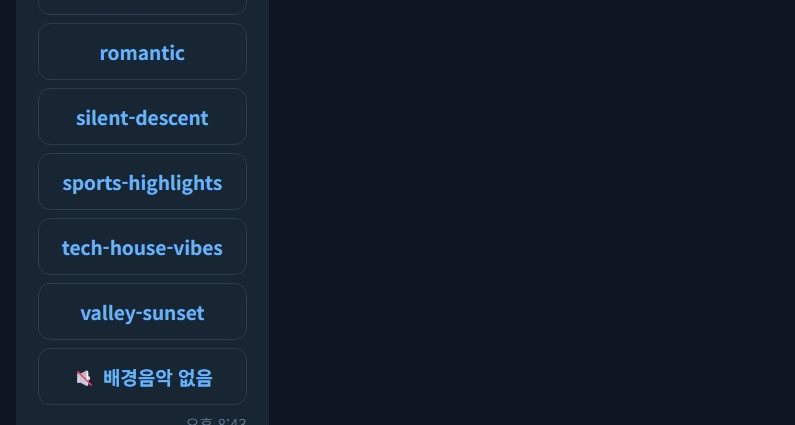
A strong message needs clean presentation. The tool provides preset design themes featuring coordinated color palettes and readable fonts, ranging from warm and cozy to sleek and modern.
For a relationship topic, choosing a calming pastel theme sets the right tone. Selecting a theme brings up an immediate preview of your card news (카드뉴스, bite-sized swipeable slide decks popular across Korean social media). Confirm your choice to lock in the layout for both image slides and video frames.
Step 4: Add Background Music for Video
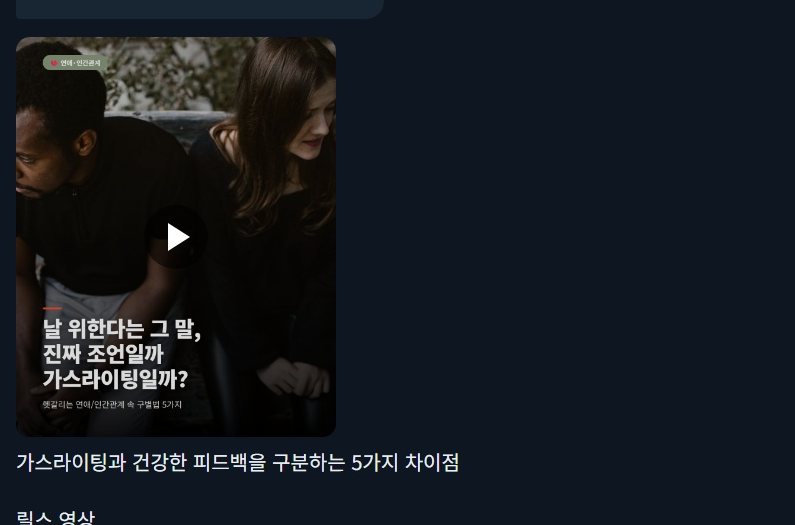
Short-form video formats like Reels and YouTube Shorts depend heavily on audio to keep viewers engaged. The system organizes background tracks by mood, such as calm, upbeat, or dramatic.
You can preview piano tracks or ambient melodies directly from the list. Once selected, the AI automatically syncs text animations and slide transitions to the rhythm of the chosen background track.
Step 5: Review the Finished Carousel and Reels
In a matter of seconds, the processing finishes and displays two finalized assets side by side. On the left sits a six-slide Instagram carousel ready for swiping, and on the right is a vertical video Reel with motion graphics and synced background music.
Give both assets a final check to verify text timing and catch any typos. If everything looks right, click the save button to download the image set and MP4 video file to your device.
Step 6: Publish Across Platforms in One Click
Instead of manually opening each app, you can connect your Instagram, YouTube, and TikTok accounts directly within the tool.
Add your caption, include a few relevant hashtags, and hit the cross-platform publish button. Both your carousel slides and vertical video will post simultaneously across your selected channels.
Common questions
What is Korean 'card news' on social media?
Card news (카드뉴스) is a popular Korean content format that breaks down information, news, or advice into square, easy-to-read image slides designed for swiping on Instagram.
Do AI social media tools generate both images and videos?
Yes. Modern automated pipelines take a single approved text outline and convert it into both multi-slide image carousels and vertical video Reels with synchronized background audio.
Can you edit AI-generated social media scripts before publishing?
You can review and manually edit the headline, slide copy, and layout before approving the design and posting to your accounts.